Crop SKU and Amazon FNSKU labels for small label paper
When exported SKU or FNSKU label PDFs do not match the label stock at the freight forwarder or prep warehouse, printing directly can split one label across two physical labels. Cropping the blank area first makes the label printable.
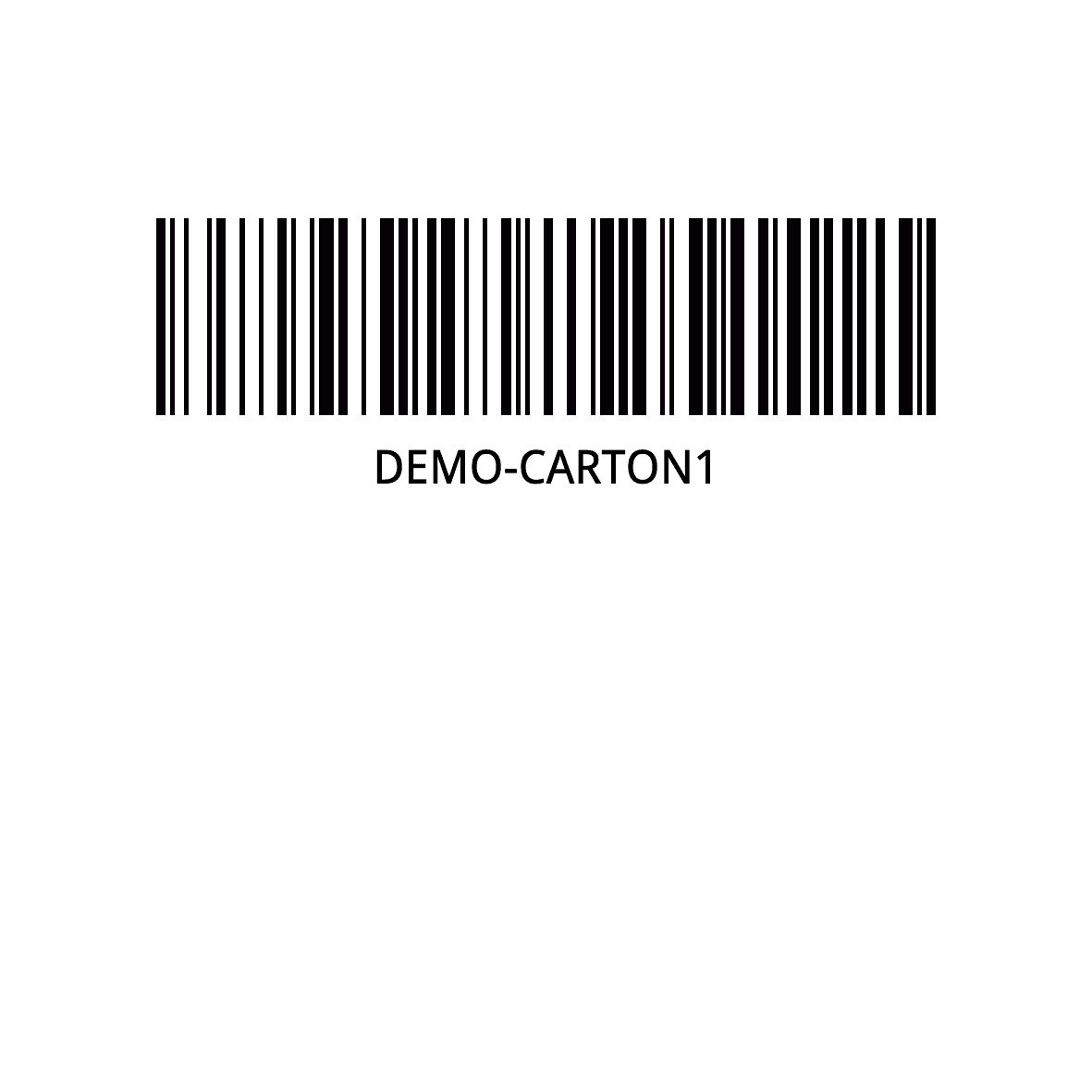
The page is larger than the actual label content or label stock.
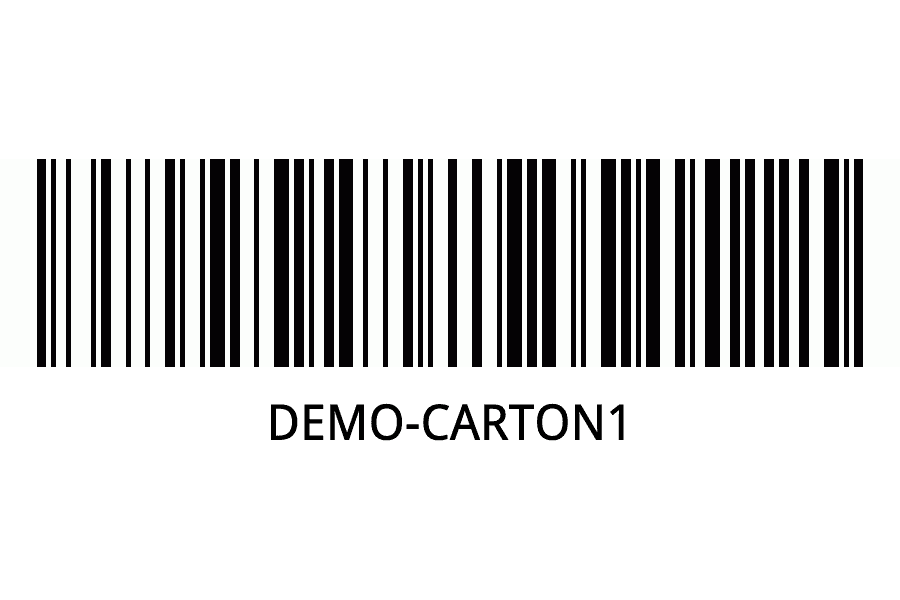
Blank space is removed before the label is printed.
The goal is to avoid one label being tiled across two physical labels.
The PDF page size does not always match the label paper used by the warehouse.
Sellers may export SKU labels or Amazon FNSKU labels from a marketplace, ERP, or warehouse system, then send the PDF to a freight forwarder for labeling.
The freight forwarder may use smaller label stock than the exported PDF page. If the file is printed directly, the printer driver may split one label across two labels, shift the content, or produce a second blank label.
Cropping removes the unused page area first. After the PDF page matches the real label area, it is much easier to print the SKU or FNSKU label on the physical stock.
Before and after
First check the original file, then confirm the processed result is ready for the next workflow.
The page is larger than the actual label content or label stock.
Blank space is removed before the label is printed.
FAQ
The PDF page is often larger than the physical label stock. The printer driver may tile or split the page. Cropping the PDF to the actual label area first helps the output match the stock.
Yes, if the FNSKU label PDF has blank space that can be safely removed. Preview the result before printing to make sure the barcode and FNSKU text remain complete.
No. Cropping changes the PDF page area, not the barcode or SKU text. You should still preview the visual output before batch printing.
Use the SKU Label Generator when you need to create new labels from SKU data. Use Crop Label when you already have a PDF and only need to crop blank space or fit label paper.