Shipping label workflow use cases
Each scenario shows a real task, the before/after result, the workflow steps, and the matching tool.
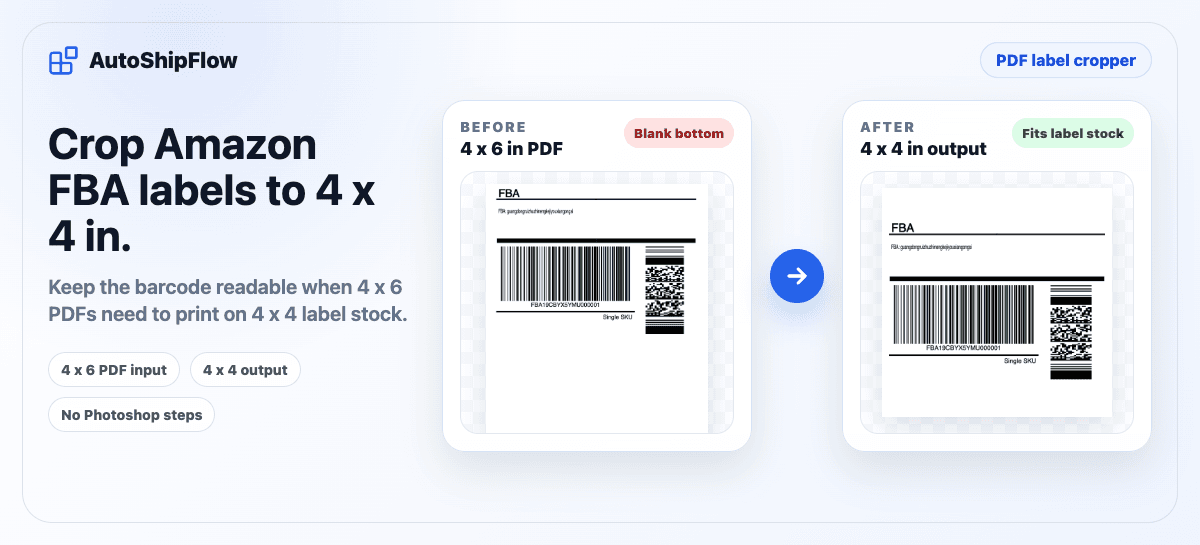
A freight-forwarding workflow needed to print Amazon FBA carton labels on smaller label stock. The downloaded PDF was around 4x6, but the useful carton-label content fit a 4x4 label after the blank lower area was removed.
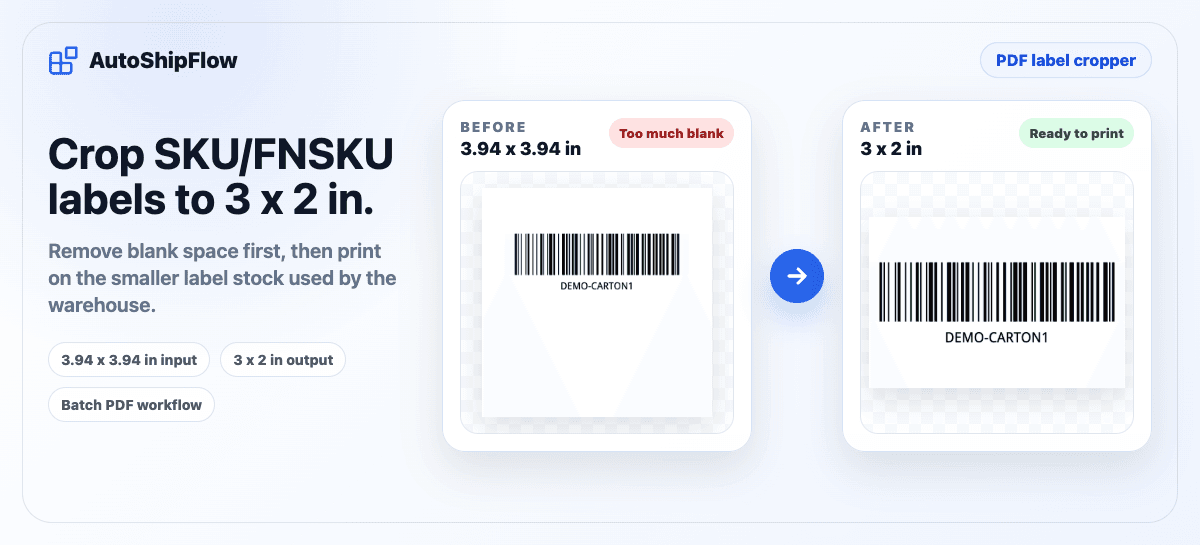
When exported SKU or FNSKU label PDFs do not match the label stock at the freight forwarder or prep warehouse, printing directly can split one label across two physical labels. Cropping the blank area first makes the label printable.
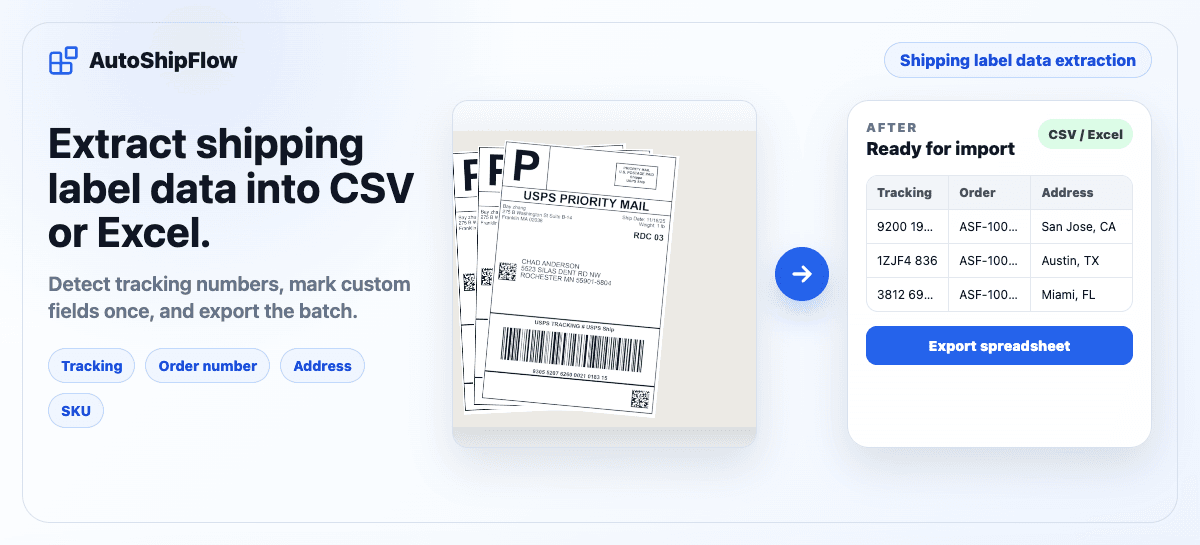
For ecommerce sellers, warehouse teams, and last-mile operations that receive label PDFs from Shopify, Amazon, TikTok Shop, Temu, carrier portals, ShipStation, or shipping aggregators. Detect tracking numbers, mark the fields you need, save fixed layouts as templates, and export reviewable rows.
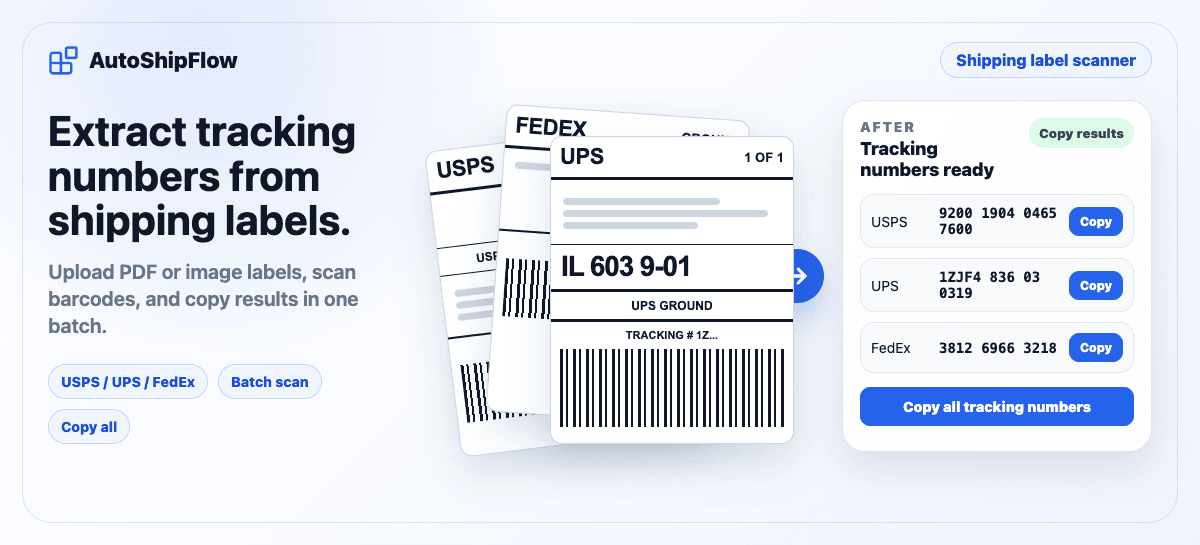
When a label batch is a multi-page PDF, a folder of images, or both, manually opening each label and copying the tracking number is slow. Shipping Label Scanner scans full-page labels, detects multiple barcodes, and lets you copy tracking numbers in one workflow.